

Solutions
We pride ourselves on finding the right solution for each project and client. SharePoint and the Microsoft development toolset provides a flexible, powerful and scalable platform to build anything from an Intranet to an eCommerce solution.

Intranets
Our SharePoint solutions for Intranets provide the perfect tool for communicating with your staff and storing and managing content in a way which allows it to be easily retrieved through navigation or search.
Of course, SharePoint Intranets are much more than a document store on your network; they provide social networking, wikis, surveys, workflow and many other tools.

SharePoint Websites
The powerful content management functionality of SharePoint makes it the ideal choice for large public facing websites; particularly in the public sector.
Why pay for and learn a different Content Management System when you can already use SharePoint and Office? Contrary to popular opinion, from SharePoint 2010 onwards there are no restrictions in terms of custom web design, giving you design freedom on a robust, familiar platform.
Collaboration
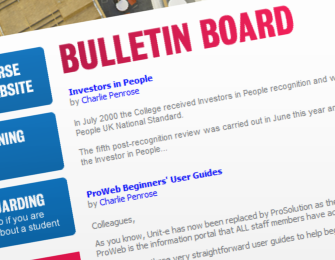
As the word “Share” suggests, collaboration is at the core of SharePoint. Parabola’s SharePoint Collaboration solutions can make a real difference by empowering your staff; connecting them to key resources and improving their productivity.
Unified communications powered by Microsoft Lync 2010 in conjunction with SharePoint 2010 can help remotely located staff work together more effectively.
Document Management
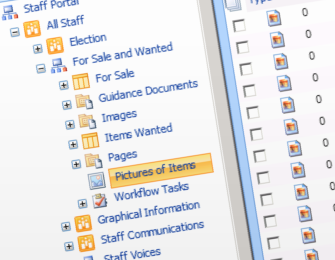
Major benefits can be achieved by moving your documents to SharePoint. SharePoint provides a great end-user experience which helps facilitate user adoption, provided that Document Management and Search are implemented well.
Our experience and knowledge of Information Architecture and Governance with regards to SharePoint can guide you to an effective Document Management and/or Records Management solution.
Business Applications in SharePoint
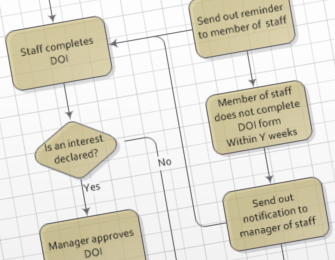
The ability to integrate SharePoint with other back-office applications is often seen as a key reason for building a SharePoint portal. In addition, single sign-on applications can be built on the SharePoint platform which make use of features such as workflow and document management. Although there are limitations to this approach in comparison to a complete custom solution it can be a great way to get a basic Web Application running quickly and at low cost.

Websites and Web Applications
Parabola has been developing Web Applications since 1999 and we continue to deliver websites and applications which benefit our customers and improve their business.
Our experience of web design and our skills with HTML 5, CSS, Microsoft .NET and SQL Server help us to give you a winning solution for any business requirement.
eCommerce
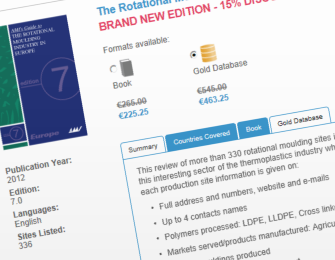
Our eCommerce solutions are built on a robust and secure .NET platform and will both support the value of your brand and allow you to easily manage your product catalogue and orders.
We use the best 3rd party products to deliver a cost effective solution with all the features you and your customers will need while still giving you full control of your online catalogue.